Git Branching Strategy SOP for Development, Staging & Production
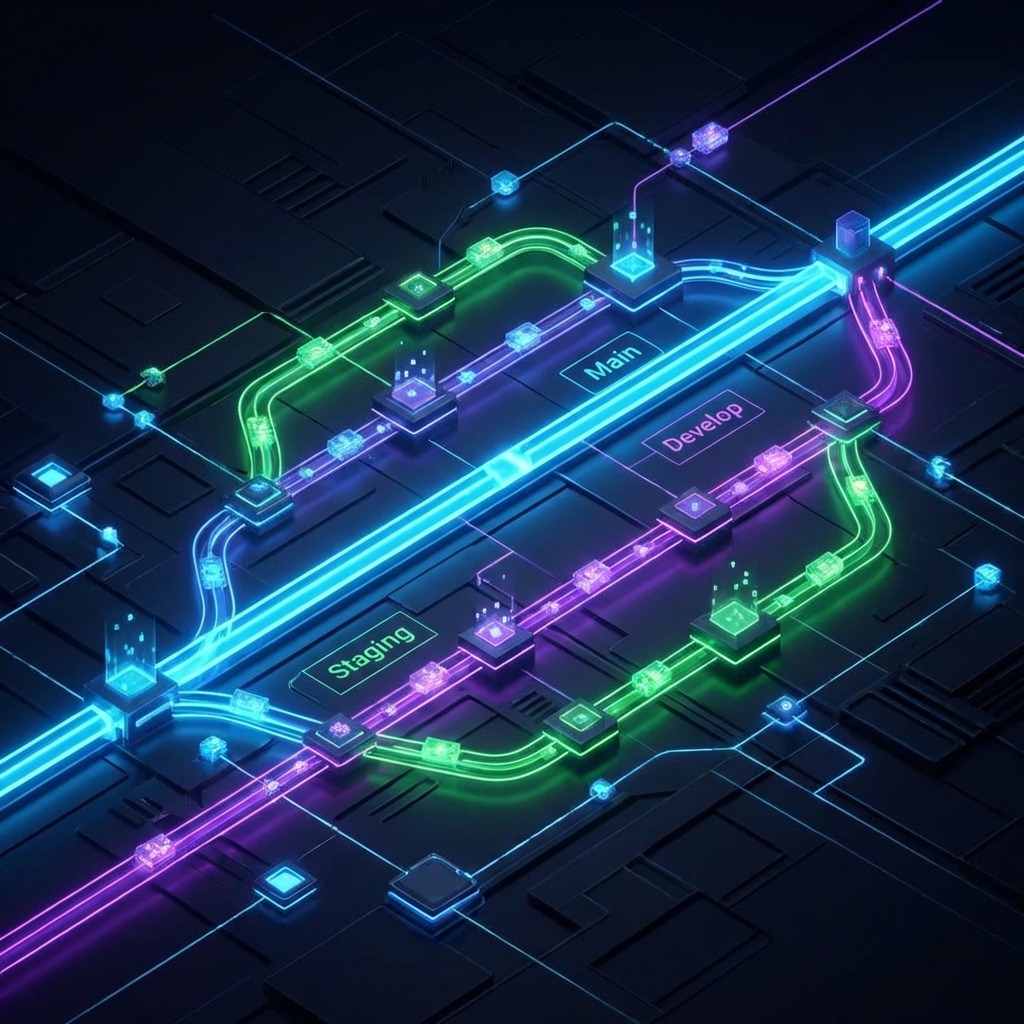
Git Branching Strategy SOP
1. Overview
This Standard Operating Procedure (SOP) defines the Git branching strategy for managing the software development lifecycle (SDLC) across Development, Staging, and Production environments. Adhering to this strategy ensures code stability, facilitates collaboration, and minimizes deployment risks.
1. Environments at Wraptron
For most Wraptron client projects (web, mobile, SaaS, ERP), 3–4 environments work best.
1.1 Core Environments
| Environment | Purpose | Who uses it |
|---|---|---|
| Local / Dev | Feature development | Developers |
| Staging / QA | Integration testing, UAT | QA, internal team, client |
| Production | Live system | End users |
2. Branch Definitions
2.1. Main branch types explained
These branches are permanent and exist throughout the project lifecycle.
-
main(Production):- Purpose: Represents the official release history. The code here is always deployment-ready for the Production environment.
- Protection: Direct commits are prohibited. Changes must come via
Pull Requests (PRs) from
release,patchorhotfixbranches. - Environment: Deploys to Production.
-
staging(Pre-Production):- Purpose: A candidate release branch. Used for User Acceptance Testing (UAT) and final QA before hitting production. It mirrors production as closely as possible.
- Protection: Direct commits are prohibited. Changes usually come from
develop. - Environment: Deploys to Staging.
-
develop(Development):- Purpose: The integration branch for features. It contains the latest delivered development changes for the next release.
- Environment: Deploys to Development (if applicable).
2.2. Supporting Branches
These branches are created for specific tasks and deleted after merging.
-
Feature Branches (
feature/*):- Source:
develop - Target:
develop - Naming:
feature/ticket-ID-short-description(e.g.,feature/JIRA-101-user-login) - Purpose: For developing new features or non-critical enhancements.
- Source:
-
Bugfix Branches (
bugfix/*):- Source:
develop - Target:
develop - Naming:
bugfix/ticket-ID-short-description - Purpose: For fixing bugs found during development.
- Source:
-
Hotfix Branches (
hotfix/*):- Source:
main - Target:
mainANDdevelop(andstagingif active) - Naming:
hotfix/incident-ID-description - Purpose: For critical production issues requiring immediate resolution.
- Source:
-
Release Branches (
release/*):- Source:
develop - Target:
developANDstaging(andmainif active) - Naming:
release/v{major}.{minor}.{patch} - Purpose: For preparing a new release.
- Source:
3. Workflow Procedures
3.1. Feature Development
- Create Branch: Developer creates a new branch from
develop.git checkout develop git pull origin develop git checkout -b feature/new-feature - Develop & Commit: Work on the feature. Commit changes locally.
- Push: Push the feature branch to
origin. - Pull Request (PR): Open a PR from
feature/new-featureintodevelop. - Review: Peers review the code. Automated tests (CI) run.
- Merge: Once approved, merge into
developand delete the feature branch.
3.2. Deploying to Staging (Release Candidate)
When the team decides to prepare a release:
- Create Release/Sync: Often handled by a Release Manager or Tech Lead.
- PR to Staging: Open a PR from
developintostaging. - Deploy: Merging into
stagingtriggers deployment to the Staging environment. - QA/UAT: Quality Assurance and stakeholders test the build on Staging.
- If bugs are found: Fix them in
develop(or a specific release branch) and re-sync tostaging.
- If bugs are found: Fix them in
3.3. Deploying to Production
Once the release candidate on Staging is stable and approved:
- PR to Main: Open a PR from
stagingintomain. - Merge & Tag: Merge the PR. Tag the commit with a version number (e.g.,
v1.0.0). - Deploy: The merge triggers the deployment pipeline to Production.
- Back-merge (if using release branches): Ensure all changes are reflected
back in
develop.
3.4. Hotfix Process (Production Incident)
- Create Branch: Create a hotfix branch from
main.git checkout main git pull origin main git checkout -b hotfix/critical-bug - Fix: Implement the fix.
- Verify: Test locally.
- PR & Merge:
- PR to
main: Merge to deploy the fix to Production. - PR to
develop: Merge to ensure the fix exists in future releases. - PR to
staging: Ifstagingis currently active/diverged.
- PR to
4. Best Practices
- Commit Messages: Use clear, imperative messages (e.g., “Add user authentication” not “Added user auth”). Include ticket numbers if possible.
- Sync Often: Developers should frequently pull
developinto their feature branches to minimize merge conflicts. - Code Review: No code reaches
developwithout at least one approval. - CI/CD: Ensure automated tests run on every PR to
develop,staging, andmain.
5. Visual Summary
gitGraph
   commit
   branch develop
   checkout develop
   commit
   branch feature
   checkout feature
   commit
   commit
   checkout develop
   merge feature
   branch staging
   checkout staging
   merge develop
   checkout main
   merge staging tag: "v1.0.0"
6. Access & Governance
| Role | Access |
|---|---|
| Junior Dev | feature branches |
| Senior Dev | develop |
| Tech Lead / CTO | main |
| CI Bot | deploy permissions |
Approved By: Brahma Rishi
Effective From: 2026-02-01